
Integrating ClickUp Into Kroolo
Effortlessly bring your tasks and projects from ClickUp to Kroolo with our powerful integration. Designed to ensure seamless collaboration, this integration empowers teams to maintain their workflows while enjoying Kroolo's unique features.
Importable Entities
- Spaces, boards and lists
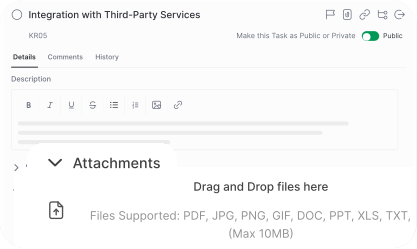
- Tasks with associated data, including custom fields, tags, due dates, descriptions, attachments, subtasks and comments
Integration Access Roles
Steps to Integrate ClickUp with Kroolo
Access the Integrations Tab
Select ClickUp Integration
Authorize ClickUp Access
Choose Data to Import
Map Data Fields
Complete Setup
For detailed guidance, visit our Help Center
Key Features of ClickUp - Kroolo Integration
AI-Powered Insights
Kroolo provides predictive analytics and trend analysis based on ClickUp data.
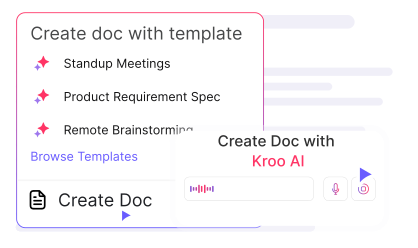
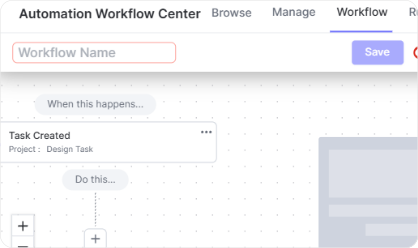
Custom Workflows
Automate processes such as task assignment, approvals, and notifications.
Performance Metrics & Reporting
Get real-time reports on team performance and project progress.
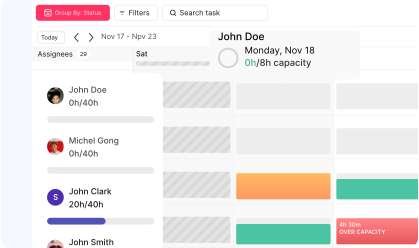
Time Tracking & Resource Allocation
Monitor work hours, set priorities, and optimize resource utilization
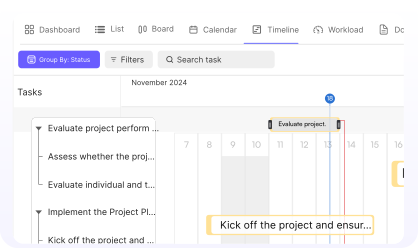
Seamless Collaboration
Share updates, comments, and attachments across platforms.

You might be interested in

Trello
Organize tasks, collaborate with your team, and visually track projects using Trello boards.

Airtable
Manage projects, assign tasks, and track progress to improve team collaboration & efficiency.

Slack
Integrate Slack to streamline communication, manage tasks, and receive updates in real-time.

Smartsheet
Manage projects, automate processes, and collaborate with real-time updates.
Get Kroolo, The best of
AI and Work Management
Start for Free. Upgrade anytime!