
The big picture, finally in focus.
Manage complex initiatives with a unified portfolio view. Track progress, risks, and budgets across multiple projects in real-time, all in one place.
Drowning in project updates?
Fragmented views lead to missed risks and delayed decisions. Stop manually aggregating status reports and get a live pulse on your entire organization's health.
All-in-One
Projects One View
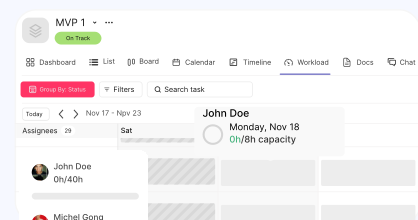
Consolidate tasks, timelines, and workloads across multiple initiatives in a single unified view.
AI Powered
Generated Insights
Create custom dashboards and reports instantly with simple text prompts.
Organize your initiatives.
Create portfolios to group related projects and streamline your oversight.
Create & Group
Build portfolios in seconds. Add multiple existing projects to a portfolio to track them together under one roof.
Dynamic Views
Toggle between List, Board, or Timeline views to see the roadmap and dependencies across all projects.
Privacy Controls
Set portfolios to Public for team transparency or Private for sensitive executive initiatives.
Visualize performance instantly.
Turn data into decisions with powerful, customizable dashboards.
AI Dashboard Generation
Enter a prompt like "Show me task completion by project," and Kroolo AI will build the chart for you.
Custom Widgets
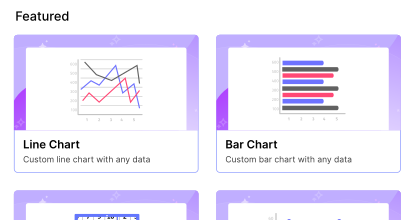
Add widgets for Bar, Line, Column, or Pie charts to track workload, budget, or status.
Export & Share
Export your entire dashboard view to PDF and share professional updates with stakeholders instantly.
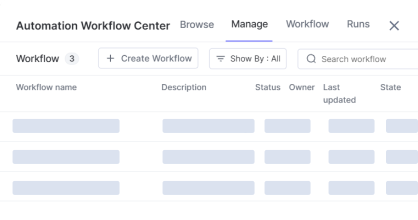
Proactive risk management.
Identify, evaluate, and control uncertainties before they become issues.
Centralized Risk Register
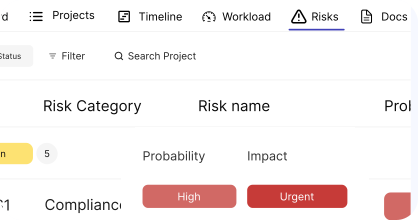
View all risks from every project in one list. Filter by severity or impact to prioritize what needs attention first.
Impact & Probability
Assign scores for probability and impact to calculate risk severity and focus resources.
Mitigation Plans
Define mitigation plans, assign tasks, and track comments directly within the risk entry.

Align the team.
Communicate directly within the portfolio context.
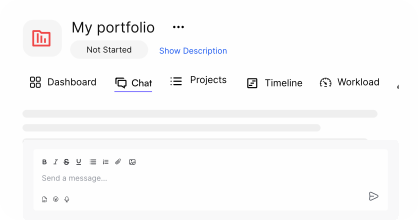
Portfolio Chat
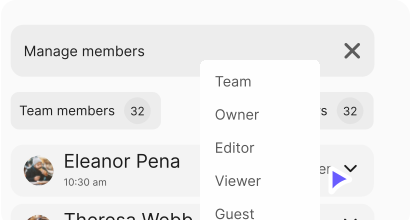
Use the dedicated chat section to align team members on portfolio-level updates and decisions.
Smart Mentions
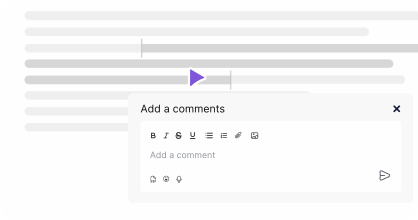
Mention specific projects, tasks, or team members to link discussions directly to the work.
Rich Communication
Use bullet points, bold text, emojis, and images to make updates clear and engaging.
Ready to scale
your operations?
Gain the visibility you need to deliver on time and on budget. Start managing portfolios today.