
Effortlessly Connect Google Drive with Kroolo
With Kroolo’s Google Drive integration, you can easily access your files and attachments directly from your projects. Simplify your document management, enhance team collaboration, and streamline your workflows by connecting Google Drive to Kroolo.
Importable Entities
- Import files and folders from Google Drive into Kroolo
- Attach Google Drive files directly to your projects and tasks in Kroolo
- Share Google Drive files with your team members to keep everyone on the same page
Integration Access Roles
Steps to Integrate Google Drive with Kroolo
Log into Kroolo
Select Google Drive
Authenticate Your Google Account
Set Permissions
Start Using Google Drive in Kroolo
For detailed guidance, visit our Help Center
Key Features of Google Drive - Kroolo Integration
Centralized Document Management
Access all your important files directly within Kroolo without switching platforms.
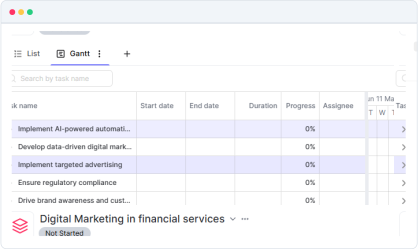
Enhanced Collaboration
Share Google Drive files with team members for real-time collaboration.
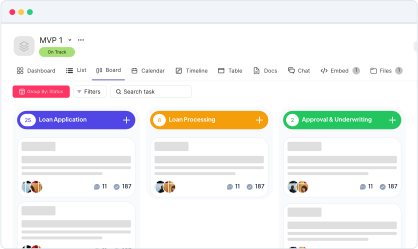
Quick Access
Attach and retrieve Google Drive files in Kroolo with just a few clicks.
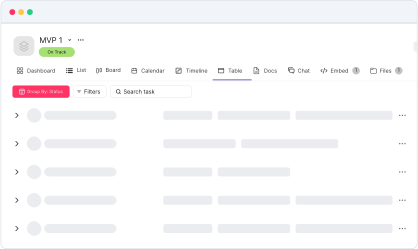
Improved Productivity
Streamline your workflow by consolidating project management and file storage.
Secure and Reliable
Safely access your Google Drive files in Kroolo with industry-standard security protocols.
Start your integration now and bring your Google Drive data into Kroolo for a more efficient project management experience!
You might be interested in

Confluence
Create, share, and collaborate on knowledge and documentation with Confluence’s powerful tools.

Fresh Service
Manage customer support tickets, automate workflows, and enhance customer service with FreshService.

Basecamp
Organize projects, to-dos, & communication in one place with Basecamp’s intuitive platform.

Slack
Integrate Slack to streamline communication, manage tasks, and receive updates in real-time.
Get Kroolo, The best of
AI and Work Management
Start for Free. Upgrade anytime!