
Effortlessly Import Tasks and Projects from Todoist to Kroolo
With Kroolo’s Todoist integration, you can easily bring your tasks and boards from Todoist into Kroolo, creating a more streamlined and efficient project management experience. Ensure all your Todoist tasks, boards, and details are synced well.
Importable Entities
- Bring all your Todoist tasks and project boards into Kroolo
- Retain important task details such as due dates and descriptions
- Tags and Attachments
Integration Access Roles
Steps to Integrate Todoist with Kroolo
Log into Kroolo
Select Todoist
Connect Your Todoist Account
Choose What to Import
Import Your Data
For detailed guidance, visit our Help Center
Key Features of Todoist - Kroolo Integration
Save Time
Sync your Todoist tasks to Kroolo and eliminate the need to switch between platforms.
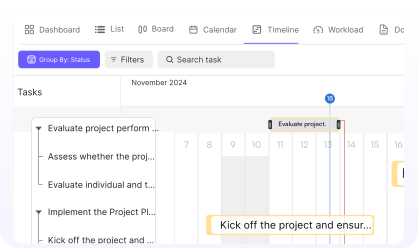
Centralized Management
Manage all your tasks and projects in one place for better organization.
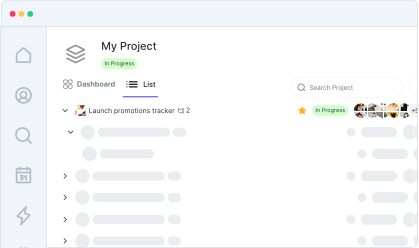
Effortless Setup
Get started in minutes with an easy-to-follow integration process.
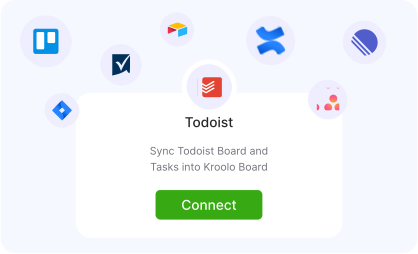
Boost Productivity
Keep your focus on your tasks while Kroolo handles the sync, helping you work more efficiently.
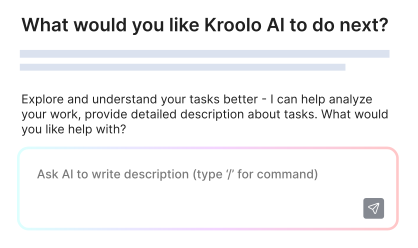
Streamlined Workflows
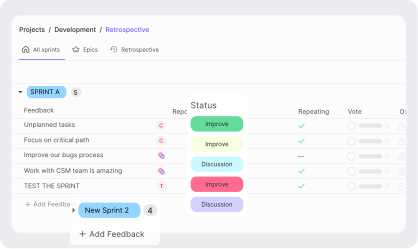
Keep everything organized in Kroolo, with all your Todoist data intact and ready to use.

You might be interested in

Slack
Integrate Slack to streamline communication, manage tasks, and receive updates in real-time.

Intercom
Enhance customer support and engagement with Intercom’s messaging and automation tools.

Basecamp
Organize projects, to-dos, & communication in one place with Basecamp’s intuitive platform.

Trello
Organize tasks, collaborate with your team, and visually track projects using Trello boards.
Get Kroolo, The best of
AI and Work Management
Start for Free. Upgrade anytime!