
Streamline Your Development Workflow by Integrating GitHub with Kroolo
With Kroolo’s GitHub integration, you can effortlessly bring your repositories, issues, and commits into Kroolo for better project tracking and collaboration. Simplify your workflows, enhance team coordination, and manage everything in one powerful platform.
Importable Entities
- Connect your GitHub repositories for centralized project management
- Import GitHub issues, including titles, descriptions, tags, and assignees
- Track GitHub commits and keep your development progress aligned with project goals
Integration Access Roles
Steps to Integrate GitHub with Kroolo
Log into Kroolo
Select GitHub
Authenticate Your GitHub Account
Choose What to Sync
Review and Start Managing
For detailed guidance, visit our Help Center
Key Features of GitHub - Kroolo Integration
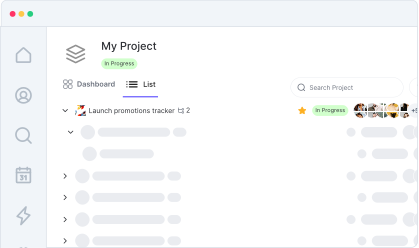
Centralized Task Management
Combine your GitHub data with Kroolo’s powerful project management tools.
Seamless Collaboration
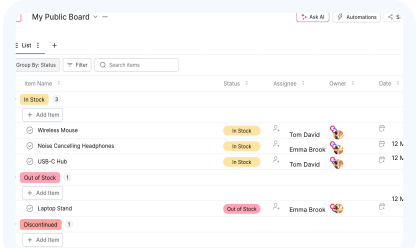
Keep your development team aligned by syncing issues and commits with your project boards.
Enhanced Visibility
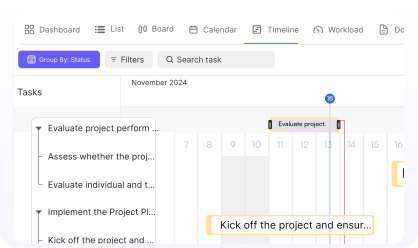
Gain a clear overview of your project progress without switching between tools.
Effortless Setup
Connect GitHub to Kroolo in just a few minutes with an intuitive setup process.
Increased Productivity
Focus on development and execution while Kroolo handles the organization and tracking.
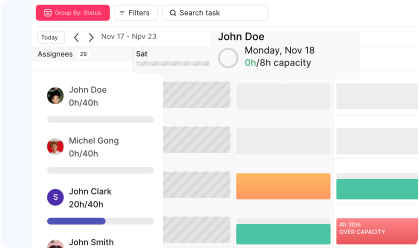

Start your integration now and bring your GitHub data into Kroolo for a more efficient project management experience!
You might be interested in

GitLab
Link GitLab commits, branches, and pull requests directly to tasks for streamlined development.

Bitbucket
Collaborate on code, manage repositories, and deploy directly within Bitbucket for streamlined development.

Airtable
Manage projects, assign tasks, and track progress to improve team collaboration & efficiency.

Jira Service Management
Manage service requests, incidents, and changes with Jira Service Management integration.
Get Kroolo, The best of
AI and Work Management
Start for Free. Upgrade anytime!