
Integrating Slack into Kroolo
Automate team notifications and project management tasks by integrating Slack with Kroolo. Automate message delivery for task status changes, priority adjustments, custom field updates, date changes, task creation, project updates, and goal completions.
Importable Entities
- Real-Time Messaging within Kroolo using Slack channels
- Automatically receive task updates and notifications in your Slack channels
- Get timely notifications directly within Slack for any project-related activity
- Set up automated notifications to streamline workflow processes
Integration Access Roles
Steps to Integrate Slack with Kroolo
Log into Kroolo
Select Slack
Connect Your Slack Account
Choose Channels for Notifications
Sync and Start Using
For detailed guidance, visit our Help Center
Key Features of Slack - Kroolo Integration
Automated Message Alerts
Automatically send messages in Slack when task status, priority, dates, or custom fields change in Kroolo.
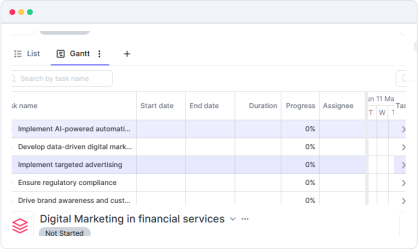
Task Creation Notifications
Notify teams in Slack whenever a new task is created in Kroolo, with details about the task and its due date.
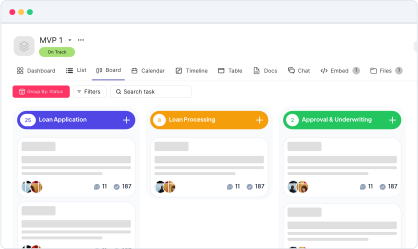
Project Creation & Completion
Send Slack notifications for project creation, progress updates, and completion, allowing teams to stay updated.
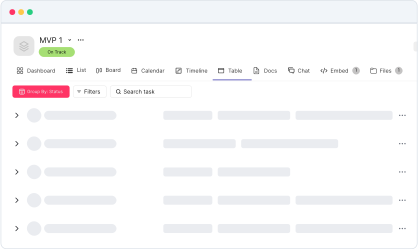
Goal Tracking & Updates
Automatically update Slack channels when goals are created or reached, keeping everyone aligned.
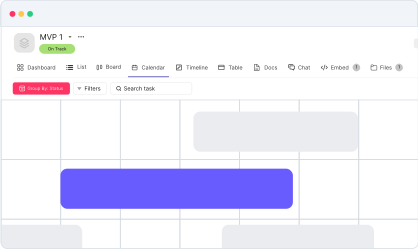
Custom Field Changes
Send automatic Slack notifications when custom fields in tasks or projects are updated.
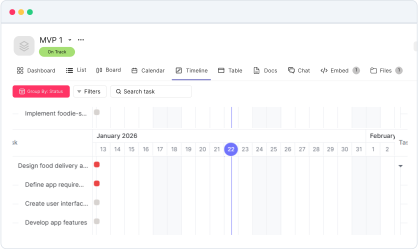
Automated Reminders
Set Slack reminders for approaching deadlines, uncompleted tasks, or new milestones, ensuring nothing is missed.
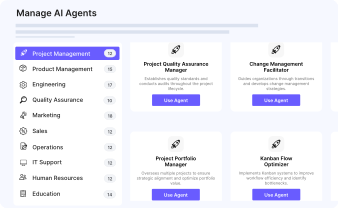
Task Priority Updates
Notify teams when task priority levels are changed to help focus efforts on high-priority tasks.
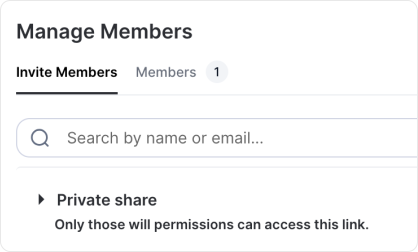
In-App Task Creation
Enable task creation directly from Slack messages, allowing team members to quickly add tasks without leaving Slack.
Completion Notifications
When a task, project, or goal is marked as complete in Kroolo, automatically notify the team in Slack and provide summary details.
Start your integration now and bring your Slack data into Kroolo for a more efficient project management experience!
You might be interested in

Todoist
Stay organized and focused by managing tasks, projects, and priorities with Todoist.

Notion
Manage projects, tasks, and workflows with Notion’s powerful tools.

Airtable
Manage projects, assign tasks, and track progress to improve team collaboration & efficiency.

GitHub
Integrate GitHub to manage code, pull requests, and commits directly within your workflow.
Get Kroolo, The best of
AI and Work Management
Start for Free. Upgrade anytime!