
Google Chat Integration
Integrating Google Chat with Kroolo enhances your real-time communication and streamlines your workflows. Automate tasks and personalize workflows to optimize your project management experience in Kroolo.
Importable Entities
- Chat directly within the app
- Automate tasks to save time
- Custom Automation
Integration Access Roles
Steps to Integrate Google Chats with Kroolo
Log into Kroolo
Choose Google Chat
Connect Your Google Chat Account
Select Notification Rules
Start Using Google Chat in Kroolo
For detailed guidance, visit our Help Center
Key Features of Google Chats - Kroolo Integration
Real-Time Communication
Enhance team collaboration with instant, in-app Google Chat messaging for faster decision-making.
Efficient Automation
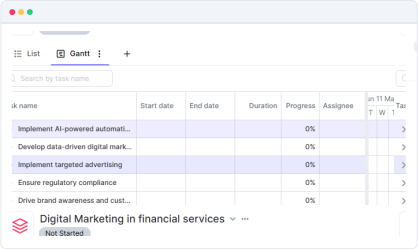
Automate repetitive tasks and trigger workflows without manual intervention, saving valuable time.
Centralized Project Management
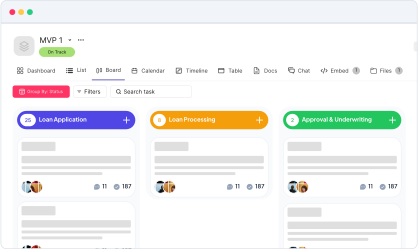
Keep everything in one place: chat, tasks, and automation, all integrated into Kroolo’s platform.
Boost Productivity
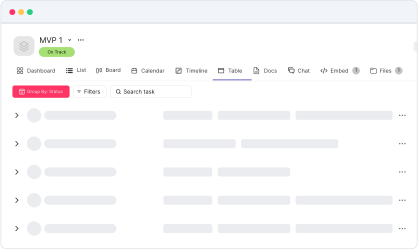
Stay focused on tasks and projects instead of toggling between different apps and tools.
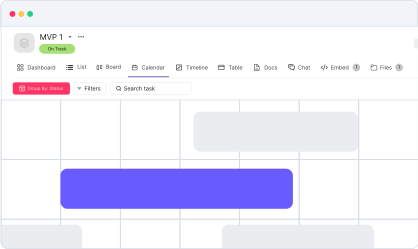
Tailored Workflows
Create customized automations and workflows suited to your team's unique needs, improving efficiency and communication.
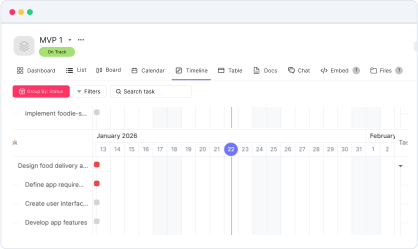
Start your integration now and bring your Google Chats data into Kroolo for a more efficient project management experience!
You might be interested in

ClickUp
Centralize tasks, projects, and workflows for seamless management and collaboration.

Jira Service Management
Manage service requests, incidents, and changes with Jira Service Management integration.

Jira
Manage, track, and release software with Jira’s agile project management tools.

Confluence
Create, share, and collaborate on knowledge and documentation with Confluence’s powerful tools.
Get Kroolo, The best of
AI and Work Management
Start for Free. Upgrade anytime!