
Effortlessly Import Projects from Asana to Kroolo
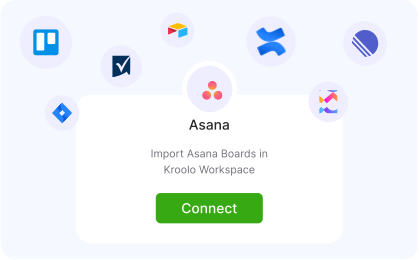
With Kroolo’s Asana integration, you can import your projects and tasks seamlessly, saving you hours every week. Take control of your workflows, manage everything in one place, and boost your team’s productivity like never before.

Importable Entities
- Projects Boards, Tasks, and sub-tasks: Includes name, description, priority status and other fields
- Custom fields, dependencies, attachments and tags
Integration Access Roles
Steps to Integrate Asana with Kroolo
Go to Import Projects
Select Asana
Connect Your Asana Account
Choose What to Import
Review and Get Started
For detailed guidance, visit our Help Center
Key Features of Asana - Kroolo Integration
Save Time
Eliminate hours wasted switching between tools-manage everything in Kroolo.
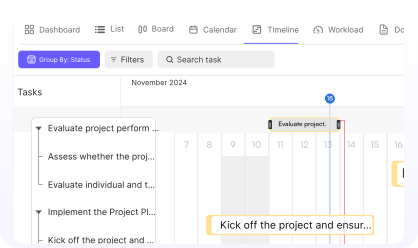
Centralized Control
Have all your projects and tasks in one powerful platform.
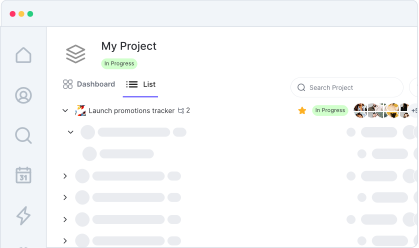
Effortless Setup
Import Asana projects into Kroolo in just a few clicks.
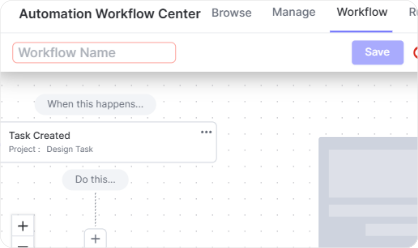
Streamlined Workflows
Customize and manage your tasks easily for better team alignment.
Increased Productivity
Focus on execution, not tool management.

You might be interested in

Todoist
Stay organized and focused by managing tasks, projects, and priorities with Todoist.

Wrike
Manage projects, tasks, and workflows with Wrike’s powerful tools.

OneDrive
Store, share, and collaborate on files securely with OneDrive integration in Kroolo.

Linear
Track and manage software projects with Linear’s streamlined issue tracking & agile workflows.
Get Kroolo, The best of
AI and Work Management
Start for Free. Upgrade anytime!