
Apr 16, 2026
-
By Ivan
Your company runs on PDFs.
Contracts, RFPs, vendor agreements, security questionnaires, board decks, technical specs, compliance reports, customer feedback, internal SOPs.
They live in Google Drive, Dropbox, SharePoint, email attachments, and three different folders someone named "FINAL_v2_actually_final."
You need to find them with AI. You don't need to spend $50,000 to start.
Glean is the obvious name in the room. It's also the wrong starting point for most teams, and this post will show you why — plus exactly how to set up AI-powered PDF search without it.
Glean is a legitimately good product. It uses retrieval-augmented generation to index your documents, builds a knowledge graph across your tools, returns permission-aware results, and supports more than 100 connectors.
Big enterprises with 10,000+ employees and complex tool stacks get real value out of it.
The problem is that Glean was built for that buyer, not for you. Here's what most teams find out only after the first sales call:
Glean's website has no pricing page. To get a quote, you go through a sales cycle.
Industry analyses and buyer-reported data peg the floor at $50/user/month, often higher.
Smaller teams are effectively priced out before the conversation starts.
POCs are typically gated behind 200+ seats and can cost up to $70,000.
Glean's own docs describe a two-stage crawling-and-indexing process followed by ML workflows that run on all indexed content. Customer testimonials cite "up and running in three weeks" as a positive benchmark.
Glean finds documents brilliantly. It doesn't natively act on them. Want to assign a follow-up, update a status, or trigger a workflow from what you found? You go to another tool.
Both reported across multiple buyer surveys. For a 5,000-person enterprise with a search budget already approved, none of this is a dealbreaker. For a 20-person team that just wants to search PDFs with AI? It's all dealbreakers.
Before we get to alternatives, let's define what you're actually trying to do. Modern AI PDF search has four real components:
Any tool worth considering does all four. The differences come in how much it costs, how fast you can set it up, and what else the tool does once you've found what you're looking for.
Here are the actual options, ranked from best fit to most niche.
via Kroolo
This is where most teams should actually start — and where most teams who started with Glean wish they had.
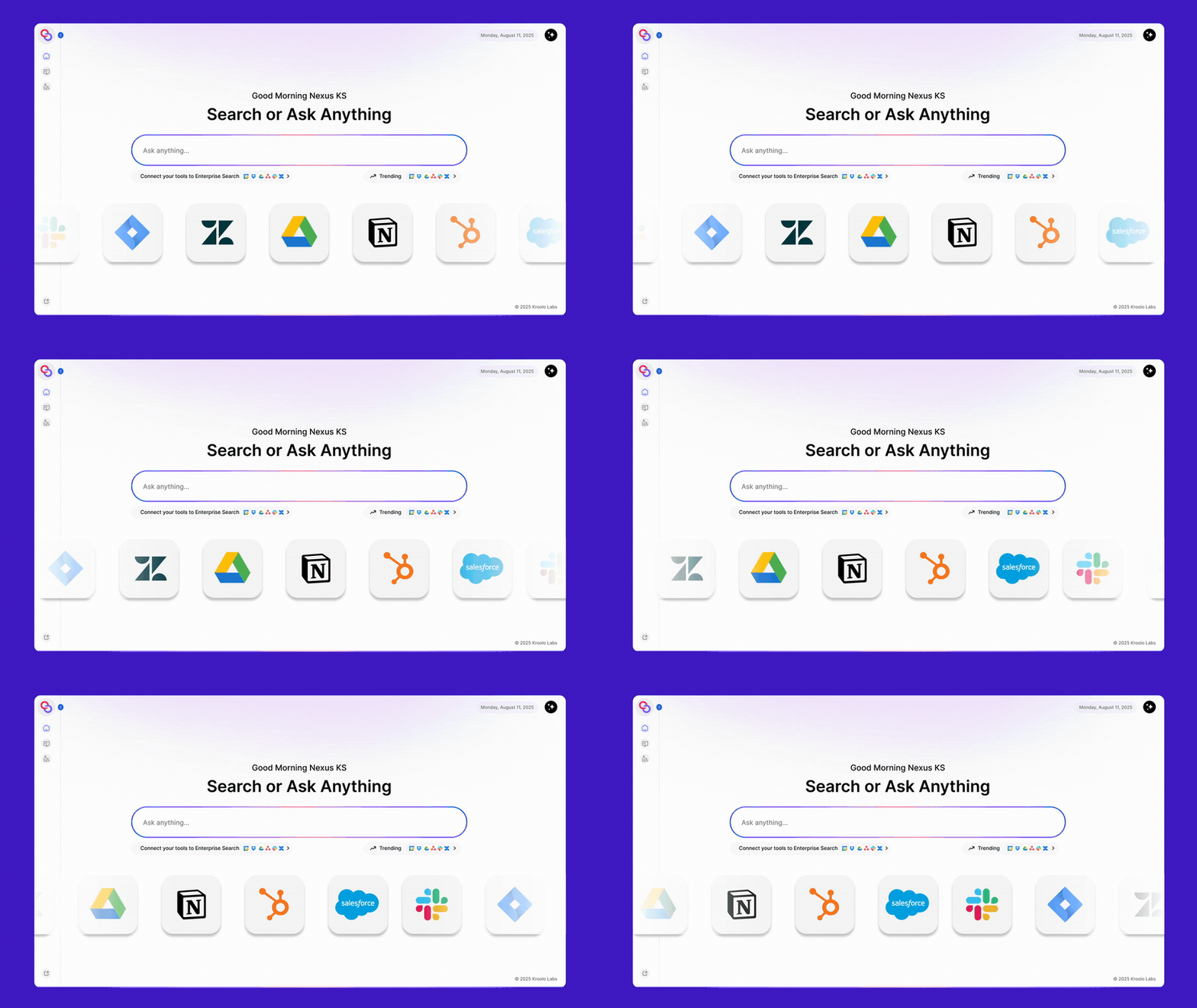
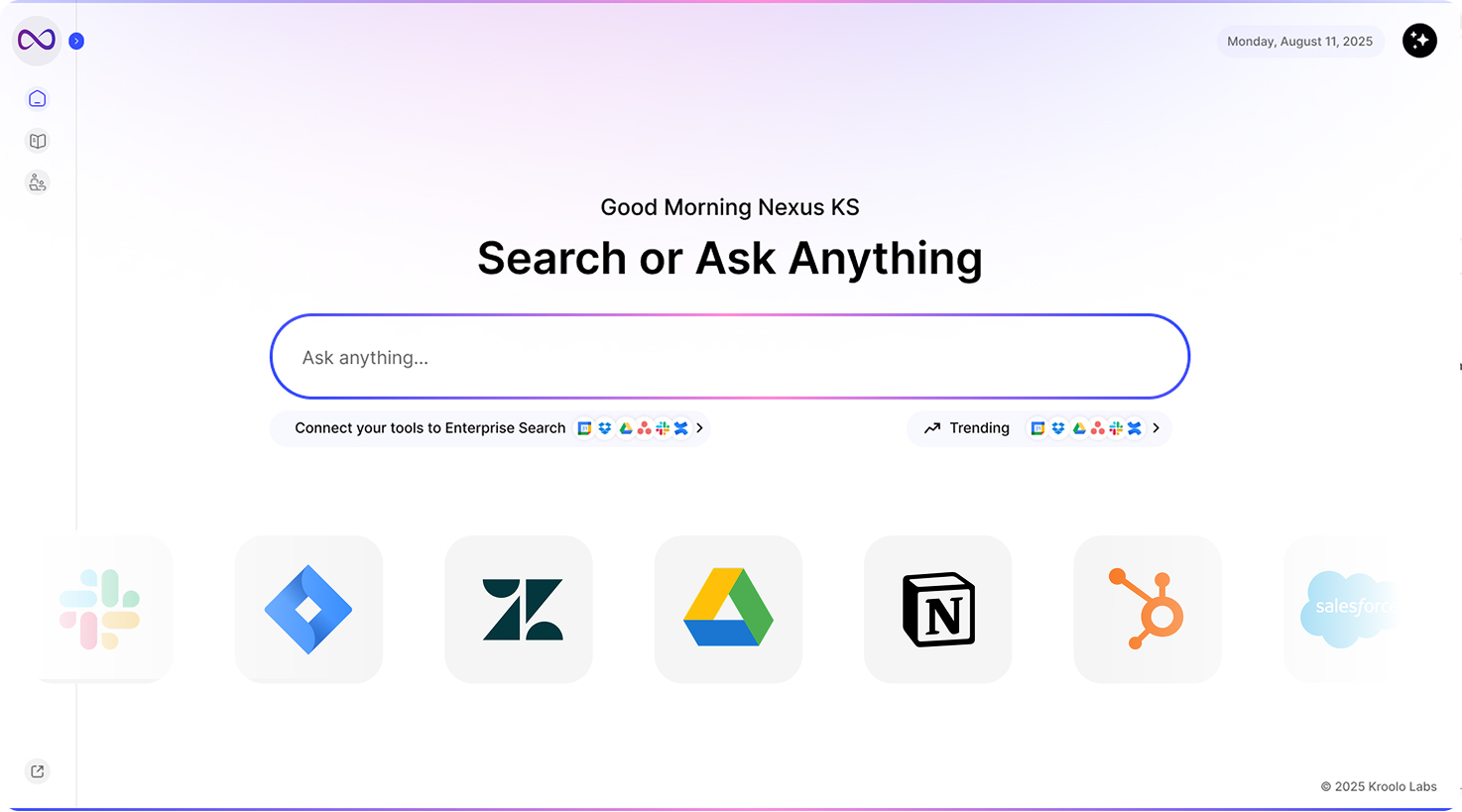
Kroolo Enterprise Search does the thing Glean is famous for: indexing your PDFs alongside Google Drive, Slack, Jira, Zendesk, Salesforce, Dropbox, and the rest of your stack into a unified, semantic, permission-aware search layer.
Same RAG architecture. Same citation-backed answers. Same role-based access control. Same conversational AI that understands intent, not just keywords. Then it does three things Glean doesn't.
Glean returns the document; Kroolo returns the document and lets you assign, update, or approve it in one click — without leaving the result.
Kroolo isn't a search tab bolted onto your stack. Projects, docs, OKRs, and chat live inside the same intelligence layer, so the PDFs you find immediately connect to the work that uses them.
No 100-seat minimum. No $70K paid POC. No three-week deployment. No 7–12% renewal hike waiting for you next year. Free up to 5 members with AI included, $10–$18 per user per month after that, and you're searching your PDFs inside ten minutes.
Glean is enterprise software that happens to do PDF search. Kroolo is PDF search that happens to come with the rest of your workspace. For 95% of teams, the second one is the right answer.
via ChatGPT
If you have 5–10 people and your "PDF library" is a folder of contracts or specs, you can upload PDFs into a ChatGPT Team workspace or a Claude Project and chat with them directly. It's cheap (~$25–30/user/month), the AI is genuinely good, and setup takes minutes.
Where it breaks: There's no real search index, no permission system, no auto-sync from Drive or SharePoint, and you'll hit upload limits fast.
There's also no role-based access control, no audit trail, and no way to act on what you find. This is a tiny-team band-aid, not a company knowledge layer — and the moment your PDFs live in more than one place, Kroolo wins on every axis.
via NotebookLM
Google's NotebookLM lets you upload PDFs and ask questions across them with citations. It's free and the answer quality is high.
Where it breaks: Same fundamental gap as ChatGPT — no permissions, no auto-sync, no integrations with Slack or Jira, no team-wide deployment model.
NotebookLM is a fantastic research notebook for one person working through a stack of PDFs on a single project. The moment you need shared, permission-aware, always-up-to-date search across your team, it stops working — and you'd want a real enterprise search tool like Kroolo instead.
via Medium
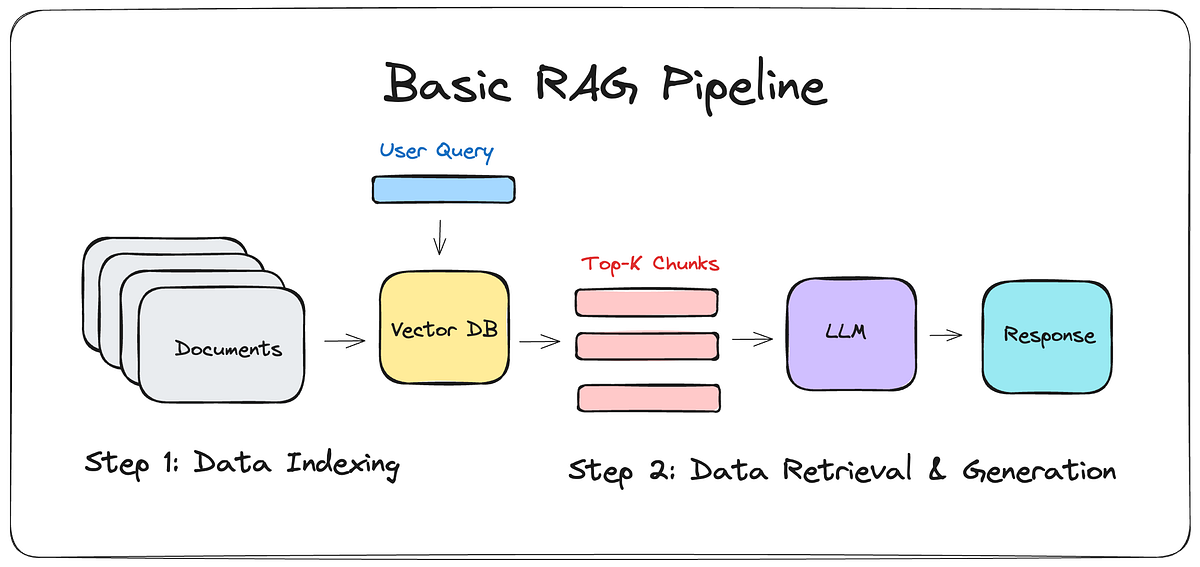
If you have engineers willing to build it, you can construct your own AI PDF search with open-source pieces: a vector database (Pinecone, Weaviate, or pgvector), an embedding model, a chunking pipeline for PDFs, and an LLM API on top. Full control, custom integrations, and you own the stack.
Where it breaks: Building it takes weeks. Maintaining it takes ongoing engineering hours forever. Permission-aware access across multiple sources is hard. OCR for scanned PDFs is harder.
You will end up rebuilding 60% of what Glean and Kroolo already do, your team will own every bug, and you'll discover six months in that you've quietly built the world's most expensive Kroolo clone.
Worth it only if you have a genuinely unique requirement no off-the-shelf tool covers.
Here's the exact flow, drawn from Kroolo's official 2-minute walkthrough. You'll be searching your PDFs with AI in about ten minutes — no sales call, no procurement officer, no $50K commitment.
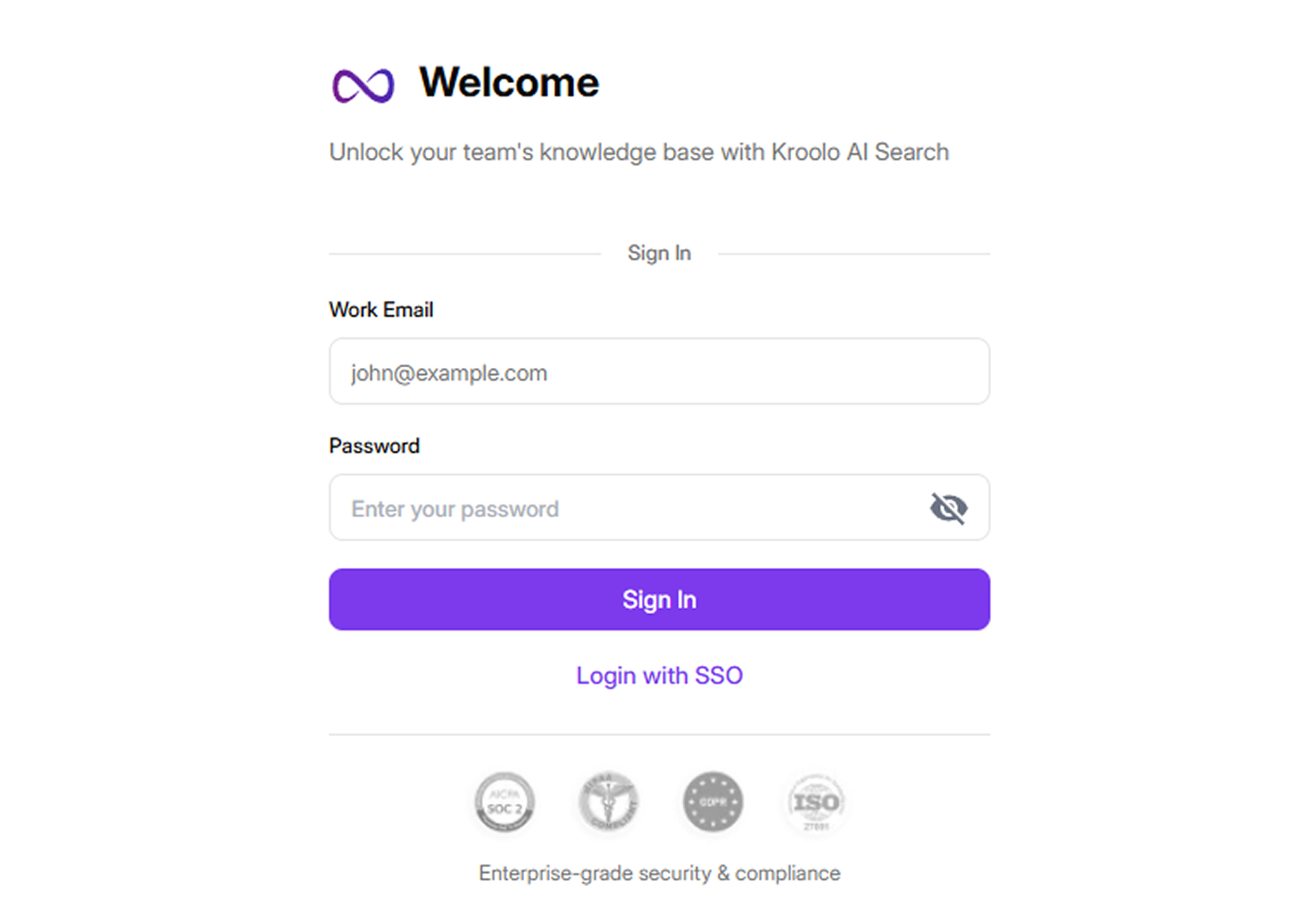
Create your Kroolo account on the free tier — up to 5 members, generative AI included, no credit card required. Open Enterprise Search and head to the Knowledge Base.
You'll see cards for each connectable tool: Slack, Google Drive, Jira, Zendesk, Salesforce, Dropbox, OneDrive, and more.
Click the tool where your PDFs live, authorize the connection, choose whether to sync everything or only specific folders, and click Sync. Kroolo handles the indexing in the background.
For PDFs that don't live in a connected tool, drag and drop them straight into the Knowledge Base.
For web pages, paste a URL and click Fetch. For internal documentation sites, add a sitemap with optional include or exclude paths to scope what gets crawled.
This is where Kroolo's AI learns the full universe of your company's knowledge — not just one source, but everything you want it to read.
One click. This bakes every PDF, link, sitemap, and connected app into a single AI-ready search index. No vector database to configure, no infrastructure to provision, no engineer required. Kroolo does the heavy lifting.
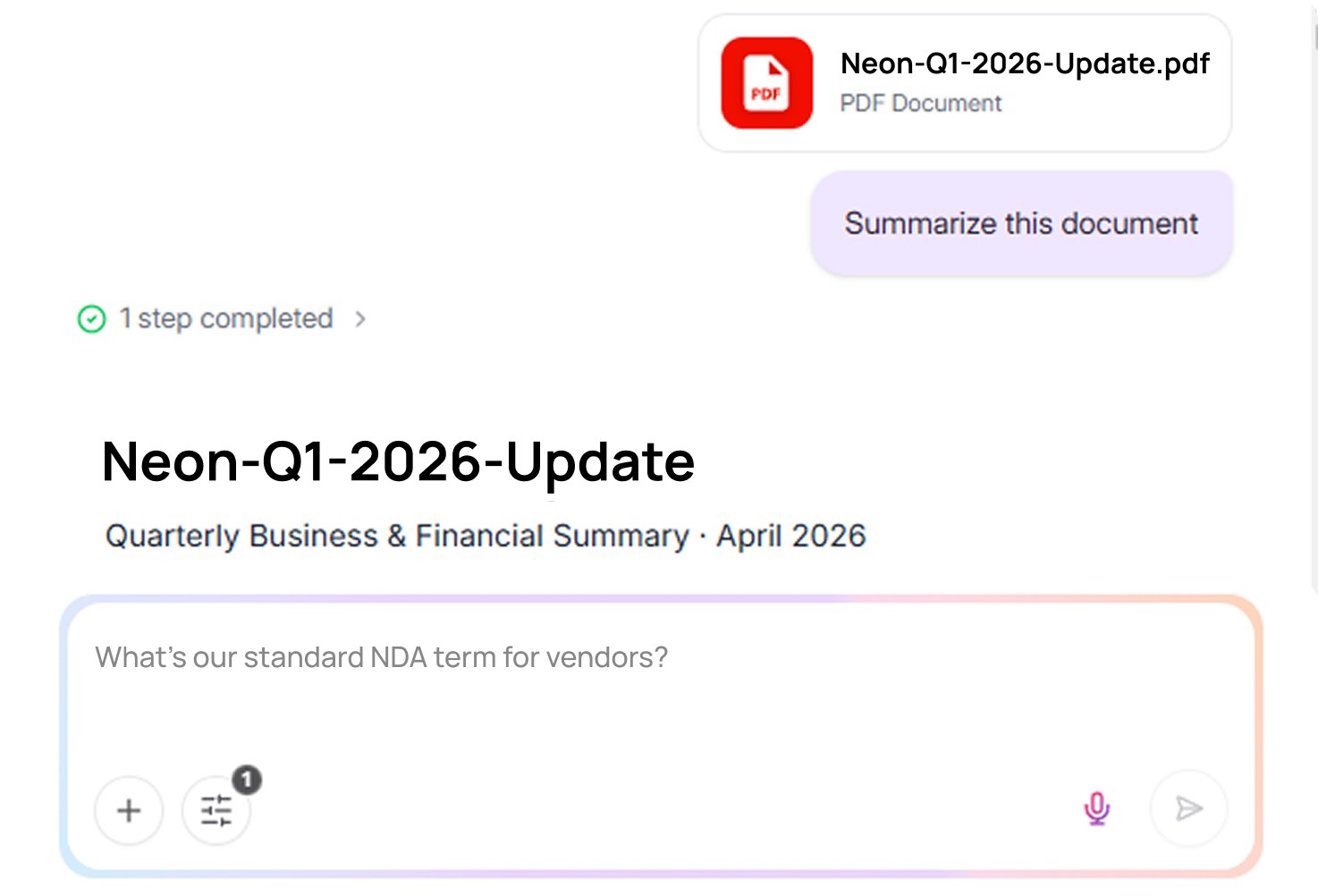
Type a query in natural language:
Kroolo's AI scans across every connected tool and uploaded file, returning a single coherent answer with citations and a relevance score per source — usually in seconds.
Want to narrow it down? Apply a filter to limit results to one source, click any file name to open it in a new tab, or use the three-dot menu to copy a shareable URL. Switch to the Chat view to ask follow-up questions conversationally and export answers to PDF or markdown.
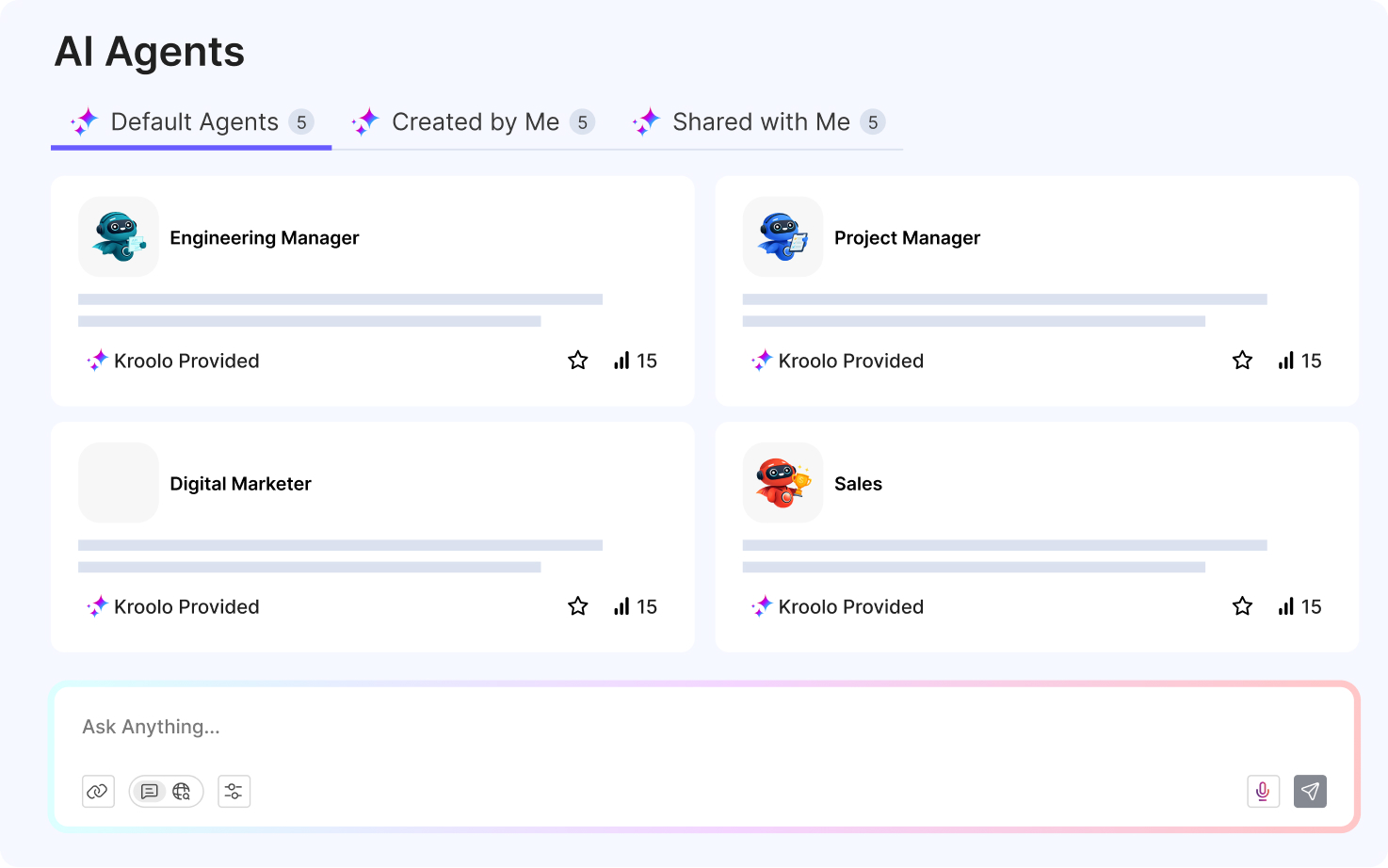
If your team searches the same kinds of PDFs over and over — contracts, security docs, customer feedback — spin up a dedicated agent.
Name it, pick the LLM (with a fallback model for reliability), set its access scope, enable the tools it can use, and assign actions. A Contracts Agent pulls renewal dates, flags unusual clauses, and surfaces termination terms across your entire contract library on demand. A Security Agent answers customer security questionnaires by pulling from your SOC 2, ISO, and policy PDFs automatically.
Searching PDFs with AI sounds like a narrow problem. In practice, most teams realize within a week that the next thing they want is to act on what they found. That's where Kroolo pulls ahead of every PDF-search-only option, including Glean.
1. Take action from search results
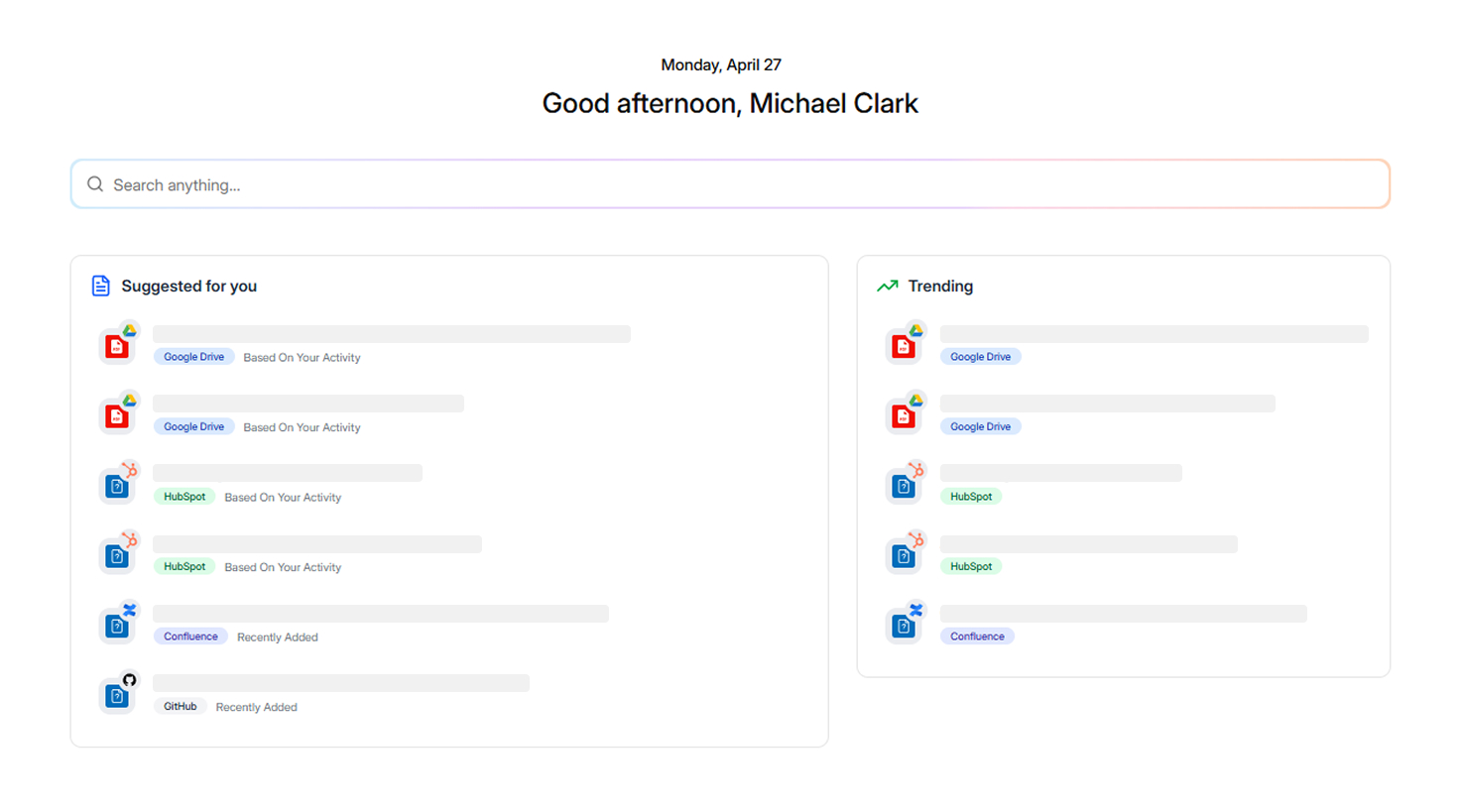
Kroolo lets you update, assign, or approve directly from a search result. Find an outdated SOP, click to assign someone to update it.
Find a contract due for renewal, click to create a task with the renewal date. Glean is search-first by design; Kroolo is search-and-act.
2. Knowledge that compounds
Every search query, AI answer, team conversation, and decision context is preserved automatically.
Your enterprise search learns from your team's patterns and gets more relevant over time. You're not just searching your PDFs — you're building a persistent knowledge layer that documents itself.
3. Role-based access control
RBAC, ACLs, and granular data permissions sit underneath every search. PDFs containing sensitive information stay encrypted and only surface for the right roles.
Bulk user management via CSV makes onboarding new team members trivial. SOC 2, HIPAA, GDPR, and ISO 27001 compliance is in place.
4. The whole workspace is built in
Kroolo isn't only an enterprise search tool. Projects, docs, OKRs, and team chat all share the same intelligence layer. You're not stitching Glean to Notion to Jira — you're consolidating.
|
|
|
|
|
|
|
|
|
|
|
|
|
|
|
|
|
|
|
|
|
|
|
|
|
|
|
|
|
|
|
|
|
|
|
|
|
|
|
|
|
|
|
|
|
|
|
|
|
|
|
|
Conclusion
If your job today is "I need our team to search our company's PDFs with AI," you don't need a six-figure contract and a three-week deployment.
You need a workspace that indexes your PDFs alongside the rest of your knowledge, returns cited answers in natural language, and lets you act on what you find — all on a free tier you can prove value with before anyone signs anything.
That's Kroolo.
No credit card. No 100-seat minimum. No paid POC. Connect your Google Drive, drop in your PDFs, hit Retrain, and ask your first question — all inside the next ten minutes.